myTracks For Mac v4.3.4 Best GPS Tracks Organizer App For MacOS X
myTracks For Mac Free Download is the Best GPS Tracks Organizer App For MacOS X. myTracks is the Swiss-army knife for organizing your GPS tracks. They can be loaded from a broad range of devices and organized in a library comfortably. Once imported, you can drag & drop photo files to myTracks, and they will be assigned to the GPS tracks automatically. The GPS information can be written to the EXIF and IPTC tags of the photo files (Geotagging). Also, Check Out iNotepad Pro For Mac. You can use photo organizing software such as Photos, iPhoto, Aperture, Lightroom, GraphicConverter, or Finder. myTracks can handle both JPEG and RAW file formats. GPS tracks can be exported as GPX, KML, or KMZ files. You can use the exported files, e.g., with Google Earth. Besides the dedicated GPS loggers, a free iPhone App called “myTracks – The GPS logger” is available on the App Store. You can use this App to record GPS tracks. Using iCloud, you can easily synchronize all your tracks between all your devices (iOS and macOS).
See the supporting website for more screenshots, screencasts, and the complete list of supported loggers. The individual track points of the selected track are no longer shown in a view on the right-hand side but as a sortable table below the map. This view is similar to the view provided in myTracks 3. However, this new table is much more flexible because you can a) sort the table and b) select multiple track points. E.g., you can sort the table by ‘Speed’ or ‘Elevation’ to quickly find track points that are outliers.
The Features Of myTracks App For Mac:
- Logger Assistant with more than 50 presets for downloading GPS tracks.
- Search, bookmark, and organize using the Track Library.
- 1-click, drag & drop geotagging of JPEG and RAW photo files.
- Display tracks on a wide variety of maps online and offline.
- Import, export, and edit tracks in GPX and KML formats and export KMZ formats.
- Upload photos from within the application to Flickr.
- Compatible with Adobe Lightroom, Apple Photos, Apple Aperture, Apple iPhoto, GraphicConverter, or macOS Finder.
- Free versions for iOS include track recording and sync with macOS applications.
- iCloud support.
How to download and Install myTracks on Mac OS?
- First, click the download button below and shift to the download page.
- On the download page, you can easily download the software.
- After downloading, please install the setup into your Mac OS.
- After Installation, your app will be ready for use.

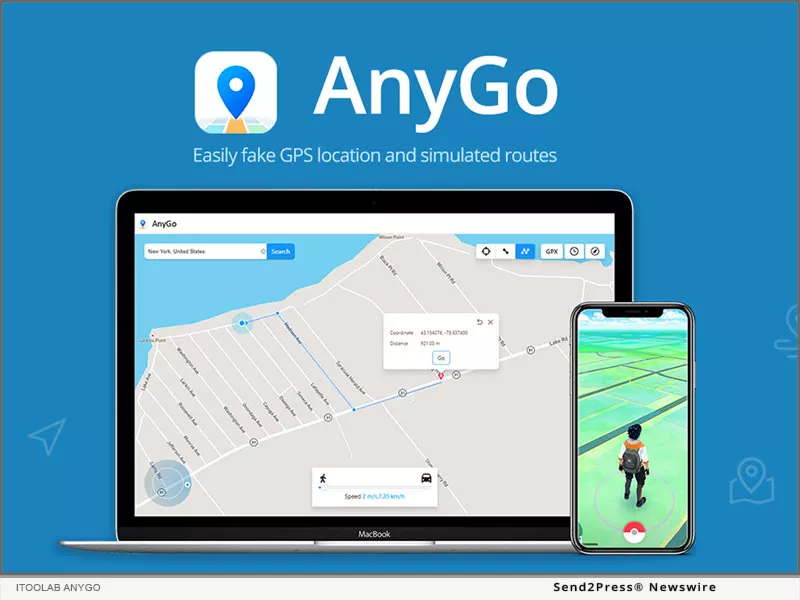 This is a powerful software tool for Mac that allows users to change their GPS location with ease. With this software, users can simulate their location anywhere in the world, without leaving the comfort of their own homes. Whether it’s for testing apps or websites, playing location-based games, or simply protecting their privacy, iToolab AnyGo offers a convenient and reliable solution. One of the key features of iToolab AnyGo is its simplicity. The software is designed to be